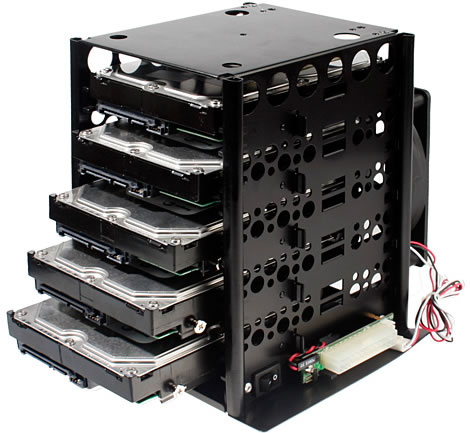
Here i am going to tell you how to install a HDD (Hard Drive) into a computer base unit,
Firstly you need a anti-static wristband so you wont get any static discharge off the computer when you open it up you Clip your anit-static wristband on your wrist and clip it to the computer.
then you check what kind of HDD it is and what kind of socket it takes then you compare it to the one you wish to install, after you have done this then you remove the HDD from the computer and install the other HDD in and check the compatability with it, if it works then thats good but if it doesnt then you will have to find another HDD.
if the HDD is new and hasnt got any data on it yet like a windows service pack then you must install that manually which shouldnt take long.
put the service pack in the CD drive and when the computer boots set the boot sequence to, Boot from CD,


No comments:
Post a Comment